Mod «Laser Designator» for Ravenfield
Laser Designator (Ravenscript) requires Ravenfield version EA32 or newer.
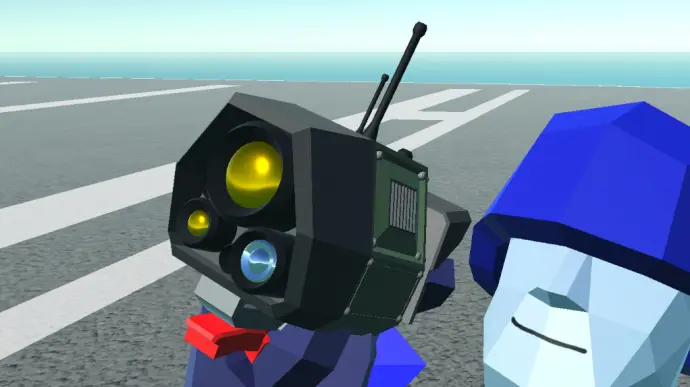
This tool calls in various forms of support and destruction. It includes a cooldown timer and is compatible with both Mac and Windows. Note that this script is heavy and may not work on lower-spec systems. It is not compatible with Raven M.
If you see pink square particles or textures, you are using the wrong version for your operating system. Use the version without the "(Mac)" prefix for Windows. Use the version with the "(Mac)" prefix for MacOS or Linux. You can switch modes by pressing the «X» key.
Available Modes:
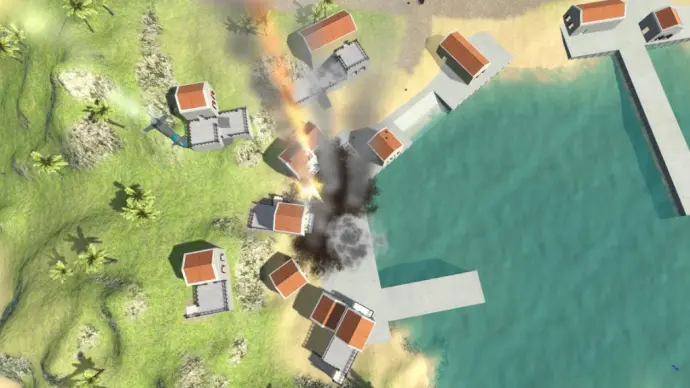
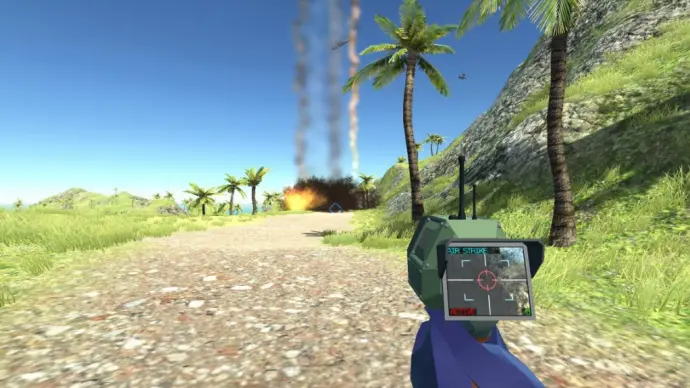
- Air Strike
- Carpet Bomb
- Reinforcement
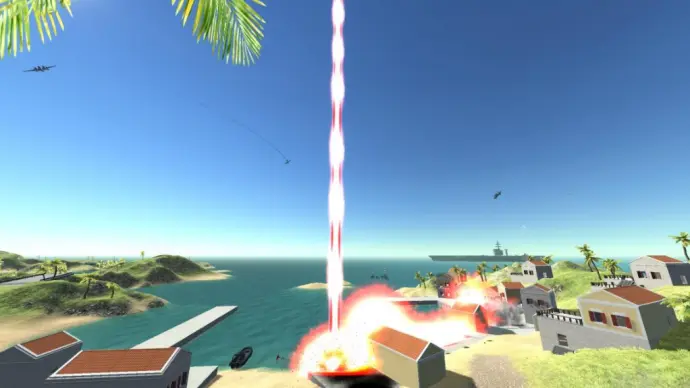
- Glassing Beam (Orbital Laser Strike)
- MAC Strike (includes vehicle tracking)
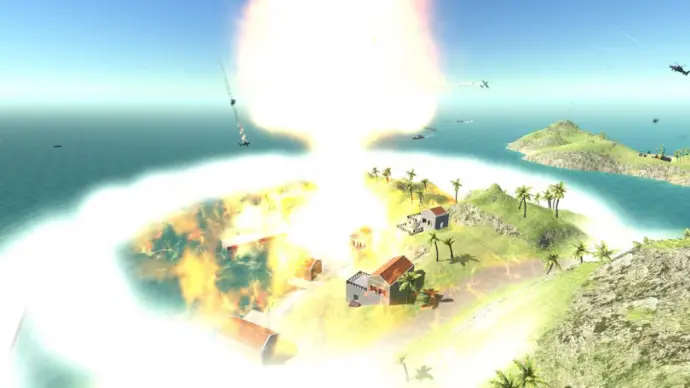
- Nuke
- Orbital Supply Drop
- Orbital Heavy Turret Drop
- Orbital Flak Turret Drop
How to Use:
- Press «X» to switch modes.
- Air Strike, Orbital Supply/Turret Drop, and Nuke: Hold the left mouse button to display the targeted location.
- Glassing Beam: Hold the left mouse button to charge and direct the beam.
- Reinforcements and Carpet Bomb: Hold the left mouse button to set the first point. Move the screen to the desired second point and release the button. Alternatively, click at specific locations to select them.
- MAC Strike: Hold the left mouse button to lock onto vehicles or aim the strike. Release the button to fire.
Sharing, decompiling, or modifying this mod is not allowed. Third-party hosting is permitted only if the download link directs users to this Steam Workshop page and the hosting site is not monetized with ads. Direct file links are prohibited.
Version 04.03.2026: Download