Mod «Lua For Barotrauma» for Barotrauma
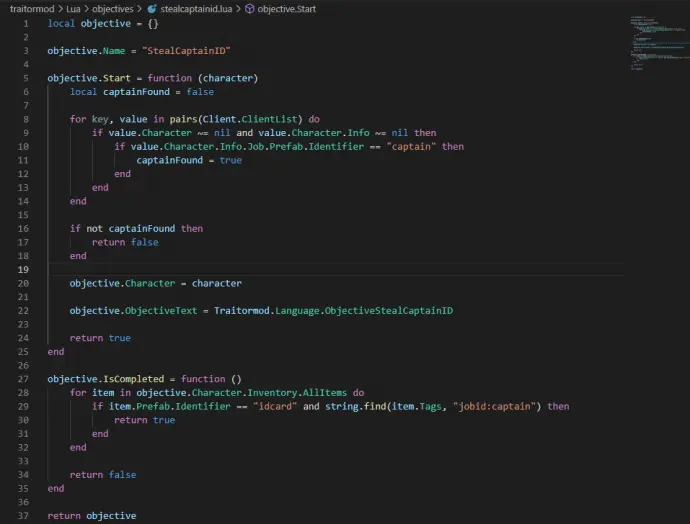
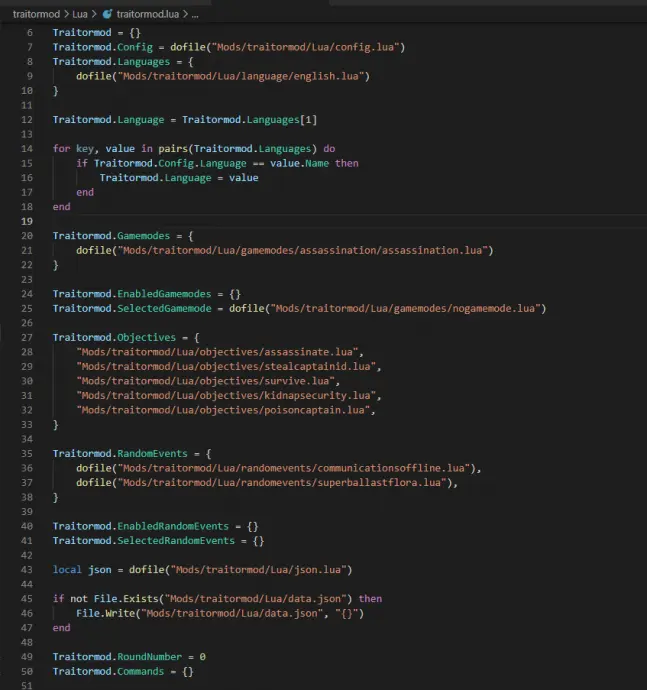
«Lua For Barotrauma» adds Lua modding support to Barotrauma, with optional C# modding. It extends capabilities beyond XML, enabling features not possible with standard modding.
Some Info
Client-side mods run on your game client in singleplayer or when joining a server. Server-side mods activate when hosting. Some mods require only one side; others need both. Missing the required side may disable features or break functionality. Always check mod requirements.
Installation
The mod includes separate client-side and server-side components. Client-side is always needed for singleplayer.
New Install Method
Add a Steam launch option to auto-install from GitHub on every launch:
— Close the game
— In Steam Library, right-click Barotrauma > Properties
— In Launch Options, enter the platform-specific command:
Windows: cmd /c «curl -L -o Luatrauma.AutoUpdater.win-x64.exe https://github.com/Luatrauma/Luatrauma.AutoUpdater... && start /b Luatrauma.AutoUpdater.win-x64.exe %COMMAND%»
Linux: bash -c «wget -N https://github.com/Luatrauma/Luatrauma.AutoUpdater... && chmod +x Luatrauma.AutoUpdater.linux-x64 && ./Luatrauma.AutoUpdater.linux-x64 %command%»
MacOS: /bin/zsh -c «cd Barotrauma.app/Contents/MacOS && /usr/bin/curl -LOR https://github.com/Luatrauma/Luatrauma.AutoUpdater... && chmod +x Luatrauma.AutoUpdater.osx-x64 && ./Luatrauma.AutoUpdater.osx-x64 %command%/Contents/MacOS/Barotrauma»
— Close the window
This method preserves the mod through game updates. Do not use the Workshop content package with this method.
Classic Install Method
Subscribe to the mod via Steam Workshop. Linux users should use “Lua For Barotrauma Linux.” MacOS requires manual install (see documentation).
Server-Side: Enable the mod and select “LuaForBarotrauma” in the ServerExecutable dropdown before hosting.
Client-Side: While hosting, open console (F3) and run “install_cl_lua,” then restart the game. This step must be repeated after verifying files or updating the game.
Dedicated Servers
Manual installation is required. See the official guide for details. Some hosting services may not support file modifications.
Checking if the mod is working properly
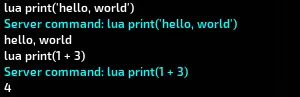
Test client-side by entering “cl_reloadluacs” in console (F3). If “command not found,” client-side is missing. Test server-side with “reloadluacs” after hosting—if missing, server-side isn’t active.
Common Troubleshooting
— Reinstall via in-game Workshop menu
— Delete folder %LocalAppData%\Daedalic Entertainment GmbH\Barotrauma\WorkshopMods\Installed\2559634234 and restart
— Disable and re-enable the mod